SEO, GEO and AEO for course and training providers
When someone asks ChatGPT where to learn what you teach, are your courses named?
CiteProof asks the AI assistants the questions your future learners ask, shows which providers and courses they name, and lists what to fix on your site.
Free · No sign-up · Results in about a minute
What is GEO for training providers?
GEO (generative engine optimisation) for training providers is the work of making a provider and its courses easy for AI assistants such as ChatGPT, Perplexity, Gemini and Google's AI Overviews to find, check and name when someone asks which course to take. It builds on SEO: course pages, accreditation, trainers' profiles and learners' reviews, written so that a machine can verify them.

How does a training provider get recommended by ChatGPT?
An AI assistant such as ChatGPT names a training provider when it can confirm, from more than one source, what it teaches, to whom, in what format and at what cost, who accredits it and what past learners say. These are the five things it can check.
- The same details everywhere. Provider name, address, phone number, course titles, start dates and fees identical on your website, your Google Business Profile and every site that lists your courses. A course that has closed, still on sale on a marketplace, is a reason to name another provider.
- Reviews, recent and on more than one site. Learners' reviews on Google and on at least one other site, such as Trustpilot or a course review site, with recent ones among them. Reviews that name the course tell an assistant what you are known for. Reply to them: your replies are text an assistant reads too.
- Listings on the sites of your trade. A complete profile where people compare courses: Google Business Profile, the course marketplaces you sell on, a review site such as Course Report or SwitchUp for bootcamps, a LinkedIn page, and your name on the accreditation body's list of approved providers.
- Specific answers on your own pages. One page per course that says in plain words who it is for, what a learner can do at the end, how long it lasts, the format, the fee, the certificate it leads to and who accredits it, with the trainers named and their experience stated.
- A site the assistants can read. Text that is in the page itself and not locked in a PDF course brochure or loaded later by a script, structured data for the provider and each course, and a robots.txt that lets the assistants' search crawlers in.
Where do AI assistants look for a course?
Yext analysed 6.8 million citations in answers from Gemini, OpenAI and Perplexity: 44% pointed to the business's own website, 42% to listings, 8% to reviews and social media, 6% to news, forums and other sites.
Source: Yext, 9 October 2025 (Yext sells listings software). Read on 26 November 2026.
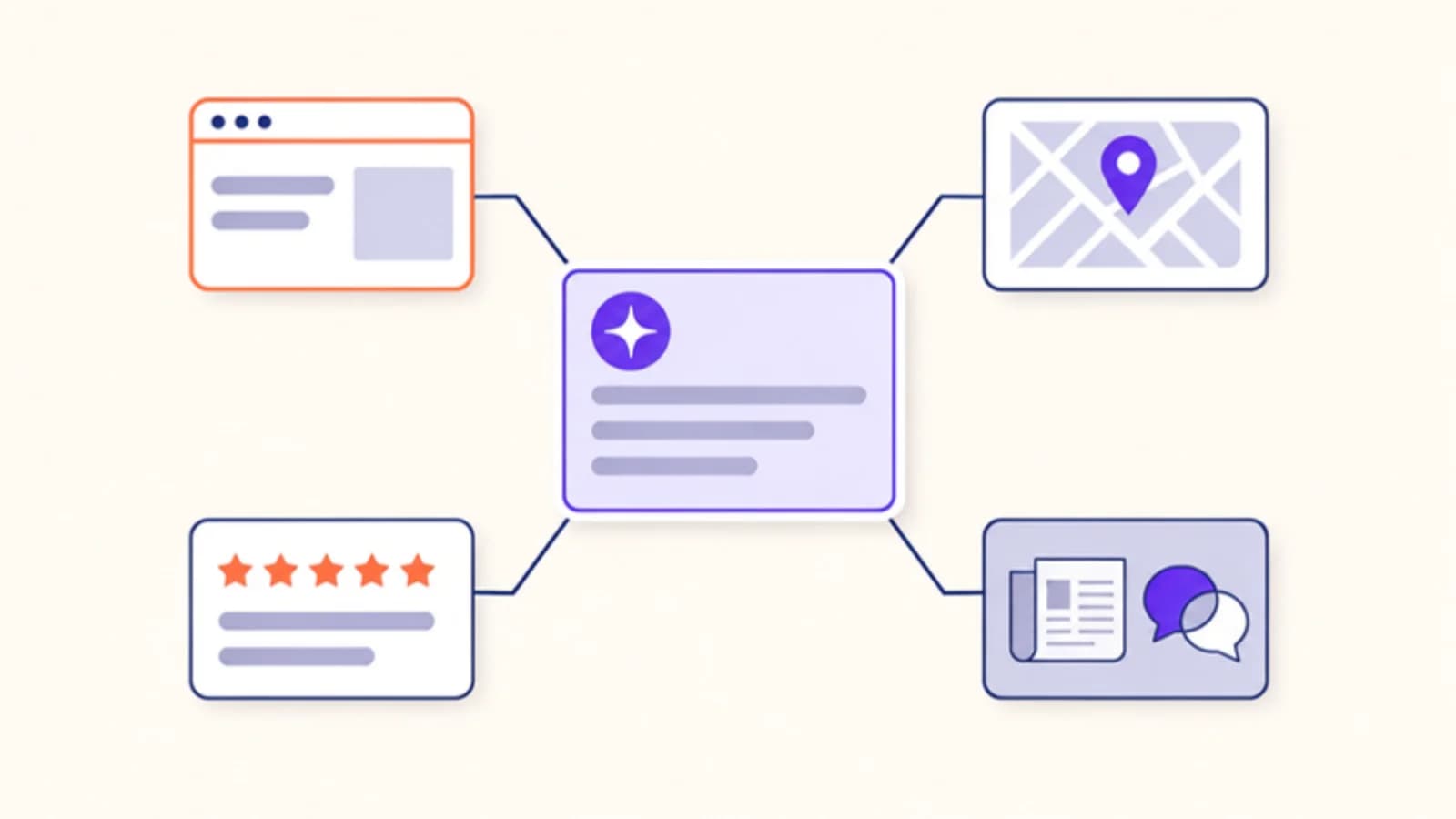
| Where | What to check there |
|---|---|
| Your own website | Course pages with syllabus, length, format, fee and certificate, trainers' profiles, accreditations, start dates, how to enrol, what you offer to companies. |
| Listings and directories | Google Business Profile, course marketplaces, review sites such as Course Report, SwitchUp and Trustpilot, the accreditation bodies' lists of approved providers, LinkedIn: the same provider name and course titles as your site. |
| Reviews | Google and Trustpilot reviews and the reviews on course review sites: how many, how recent, and which courses they mention. |
| Press, associations and forums | Trade and business press, the pages of accreditation and professional bodies, LinkedIn posts by past learners, Reddit threads and forums where people ask each other which course to take. |
What should a training provider do first?
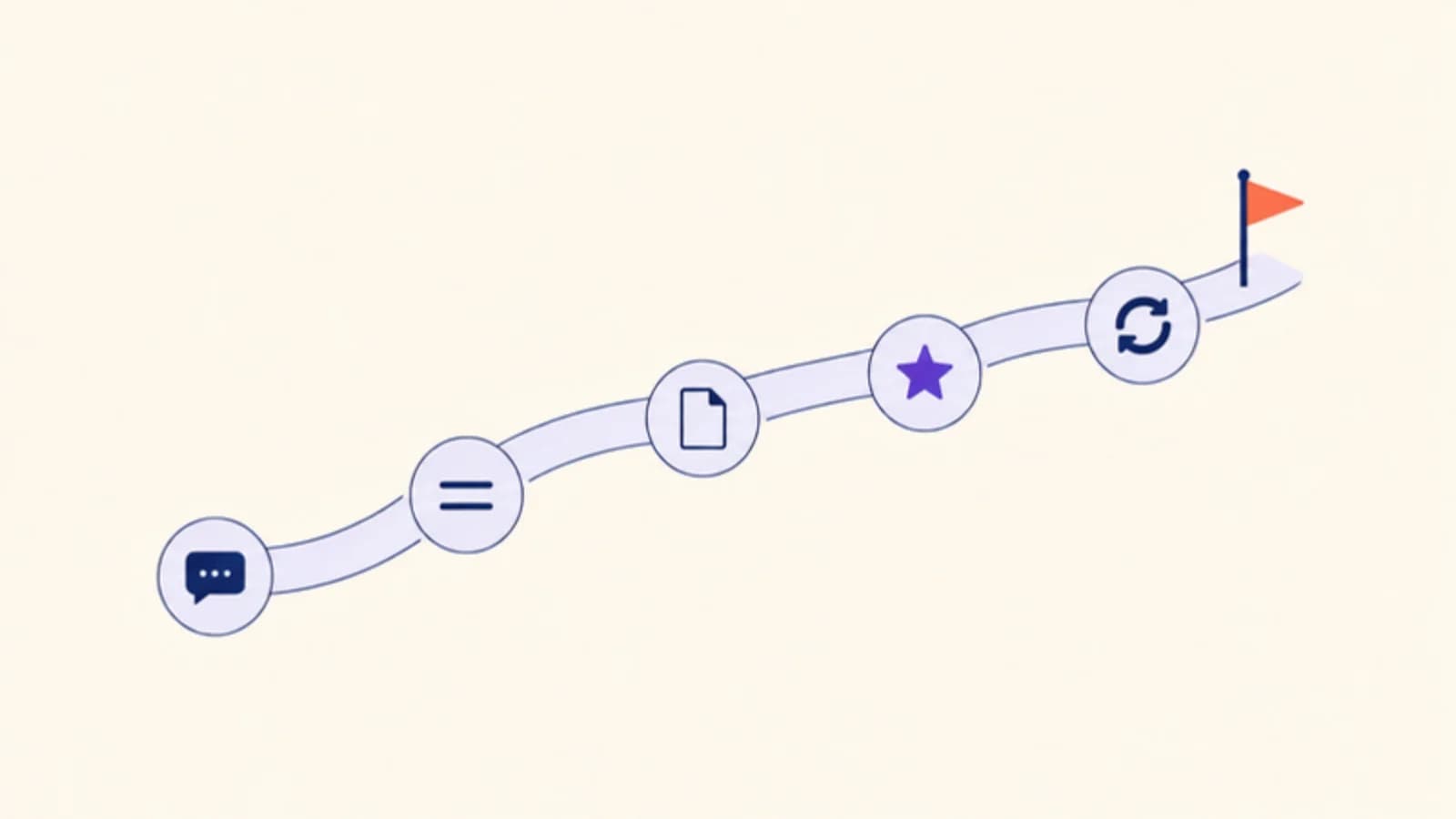
- Ask ChatGPT, Perplexity and Gemini the questions your learners ask, for example an evening business English course in your town, and write down which providers and courses are named.
- Make provider name, course titles, start dates and fees identical on your site, your Google Business Profile and the sites that list your courses.
- Give each course its own page, with who it is for and what it leads to in the first two sentences, and the fee and length stated in text.
- Ask learners who have just finished for a review that names the course, on Google and on one course review site, and reply to the reviews you already have.
- Check that the assistants' crawlers can read the site, course pages included, then ask the same questions again after a month and compare.
The free scan at the top of this page does the first step for you: it asks the assistants the questions and shows who they name.
The course is chosen long before enrolment
Choosing a course is a slow decision. An adult who wants to change career, a manager who needs business English, an HR manager looking for leadership training for a team: each can ask an assistant which course to pick, and get a short list with a reason for each. Then they read up on the names in that list. You see the enquiries and the applications that reach you, not the lists your courses were missing from. The scan shows you that answer for what you teach, question by question.
What learners ask, from our catalogue for education and training
- PMP certification prep course
- Business English course for executives
- I'm looking for a full-stack coding bootcamp in Manchester to switch careers, what do you recommend?
- I'm looking for a UX/UI design school in Manchester with strong industry connections, any suggestions?
- I'm looking for a public speaking course in Manchester for executives at B2B companies, which one do you recommend?
- Which leadership course is best for middle managers at a mid-size company?
These are examples from our catalogue of questions for this trade; where a question names a town, it is shown here with Manchester. The free scan writes 5 questions by reading your own site and puts them to ChatGPT, Perplexity and Gemini.
How it works
What the free scan gives you
It includes
- 5 questions written from your own site
- For each question: whether ChatGPT, Perplexity and Gemini name you, and who they name instead
- A score and the first 3 problems found on your site
It does not
- Change anything on your site
- Keep watching over time: it is a picture of today
It asks only for your site's address. You leave an e-mail only if you want the report sent to you.
What comes next, if you want it: a free account that keeps the analysis, and paid plans from £79/month. Cancel anytime · 14-day money-back guarantee
What you find out
Already doing SEO or advertising?
This does not replace either. It answers a different question.
- SEO
- Works on where you appear in Google's results when someone searches.
- Advertising
- Buys you visibility for as long as you pay.
- CiteProof
- Measures which names come out when someone asks an AI assistant for a recommendation, and works on what your site contributes to that.
- Doing nothing
- Costs nothing, and leaves you not knowing what the assistants say about you. The scan is how you find out.
It is for you if
- You run courses for adults: professional courses, a bootcamp, a language school, training for companies.
- You, or someone who works for you, can change the site.
- You want to see what is said about your courses before deciding what to do.
It is not for you if
- You sell your courses only on a marketplace and have no site of your own: the scan reads a site.
- You want a guarantee of being named. Nobody can honestly give one.
- You are looking for someone to run your enrolment campaigns or your social pages. We do not do that.
What we cannot promise
- We do not control what the assistants answer. Their answers change, sometimes from one day to the next.
- Nobody can guarantee that you will be named. We measure, fix what depends on your site, and check whether it made a difference.
- Part of what the assistants use is outside your site: reviews, articles, how well known you are. We do not change those for you.
Questions and answers
Do people really ask AI assistants which course to take?+
We have no figure for your subject and we will not invent one. What the scan shows is what the assistants answer today when they are asked. Whether that matters for your courses is your call once you have seen it.
My courses are already on course marketplaces. Why look at this?+
A marketplace shows your course to someone browsing there, next to all the others. This measures something else: whether the assistants name you when someone asks which course to take. It does not replace the marketplace.
Does it see anything about our learners?+
No. It reads the public pages of your site and the answers of the assistants. It does not connect to your enrolment system, your learning platform or to learners' records.
Our courses and start dates change often. Is that a problem?+
No. The free scan is a picture of your site on the day you run it. With a paid plan the measurement is repeated, so you can look again once the new courses and dates are on the site.
Can you guarantee that the assistants will name me?+
No, and be careful with anyone who does. We measure what they answer today, fix what depends on your site and measure again. Sometimes the answers change, sometimes they do not.
What does the free scan need from me?+
Your site's address, nothing else. No sign-up and no card. It takes about a minute. If you want the report by e-mail you leave your address, and you can unsubscribe at any time. Questions: hello@citeproof.co.
See what the assistants say about your courses
Enter your site's address. About a minute, no sign-up.